
How to Send WhatsApp Payment Reminders to Borrowers (Free Templates)
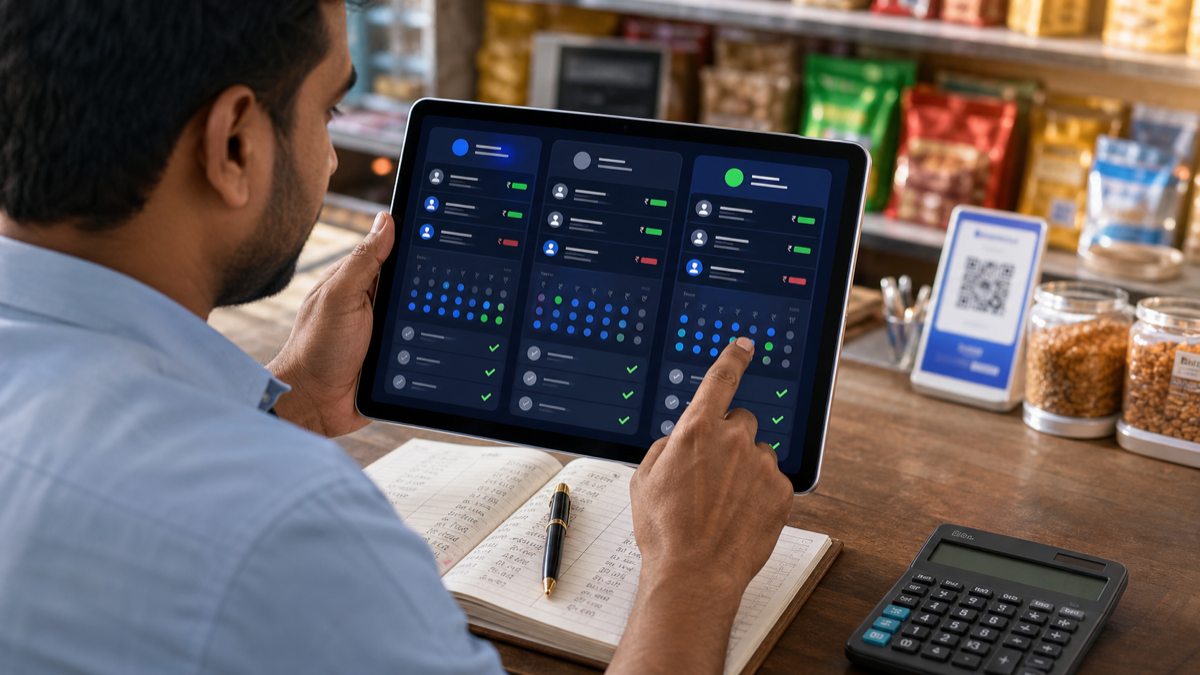
WhatsApp is how most Indian borrowers actually communicate, and a polite, specific message gets paid far more often than a vague one. This guide gives you reminder templates in English, Hindi and Gujarati, and shows how VyajPay makes sending them a single tap — with the name, amount and due date already filled in.
Reminder timing rule of thumb
- 3 days before due date — friendly heads-up
- On due date — clear ask with payment link/UPI ID
- 1 day overdue — polite nudge
- 3 days overdue — firmer reminder mentioning late fees
- 7+ days overdue — final reminder before escalation
Free templates
1. Pre-due reminder (English)
2. Pre-due reminder (Hindi)
3. On due date (English)
4. Overdue (Hindi)
5. Final reminder (English)
Manual method — wa.me link
- Open
https://wa.me/91XXXXXXXXXX?text=YOUR_MESSAGEwith the borrower's phone number. - Replace YOUR_MESSAGE with the URL-encoded template text.
- Hit send.
Workable for 5–10 borrowers. Painful at scale.
The faster method — VyajPay
VyajPay does not message your borrowers for you, and that is deliberate: a reminder from your own number, in your own words, gets a better response than an automated one, and it keeps you in control of the relationship. What the app removes is the admin around it.
- Add the borrower and create the loan with its EMI schedule.
- Switch on WhatsApp reminders in Settings → Notifications and pick a delivery time.
- Every morning VyajPay WhatsApps you the day's due-list — who owes what, and the total to collect.
- Open a borrower and tap the WhatsApp button. The chat opens with the message ready, amounts filled in. You press send.
So you never have to work out who to chase or retype an amount, but the daily due-list goes to you. Separate app settings can send customers or borrowers WhatsApp or SMS record updates and due reminders; obtain recipient permission first. The daily due-list is part of VyajPay Pro (₹249/month or ₹1,499/year, 7-day free trial).
Etiquette & legal notes
- Don't send before 8 AM or after 9 PM.
- Never use threatening language — RBI/India consumer protection rules apply even to private lenders.
- Stop messaging once the borrower asks you to use a different channel.
- Maintain a written log of reminders sent — useful in legal recovery.
FAQ
Is it allowed to message a borrower on WhatsApp about a payment?
Messaging your own contact about a transaction you both agreed is normal use. Bulk or automated marketing to people who have not consented is restricted under WhatsApp's business policy. Keep reminders factual, send them from your own number, and stop if the borrower asks you to use another channel.
What if the borrower has blocked me?
WhatsApp-only messages will not reach them. Separate record-update settings can send SMS where supported; obtain recipient permission before enabling them. Call them, or use the PDF statement: open the loan, export the statement and share it through whichever channel still works.
Can I send reminders in regional languages?
Yes — English, Hindi, and Gujarati ship today; more on the way.